Reply to your AI from your phone
Read the session's latest messages and reply from wherever you are. While a session works, your reply goes in when it finishes its turn; when it's idle, it wakes up and answers.
Miblo+Needs Miblo+, from R$9.90 a month.
How to reply from your phone
Install Miblo on your computer
Download the Miblo app (Mac, Windows or Linux) on the computer your AI runs on, sign in with your Miblo account and turn Phone on.
Sign in on your phone
On your phone, open miblo.ai/app, sign in to the same account and create the app PIN. The computer shows a 6-digit code: type it on the phone and confirm with its passkey (Face ID, Touch ID, fingerprint or PIN).
Turn replies on
With Miblo+, turn replies on in the Miblo app on your computer (or with miblo plus replies on). The computer shows a 6-digit code: type it on your phone and confirm with its passkey.
Reply to the session
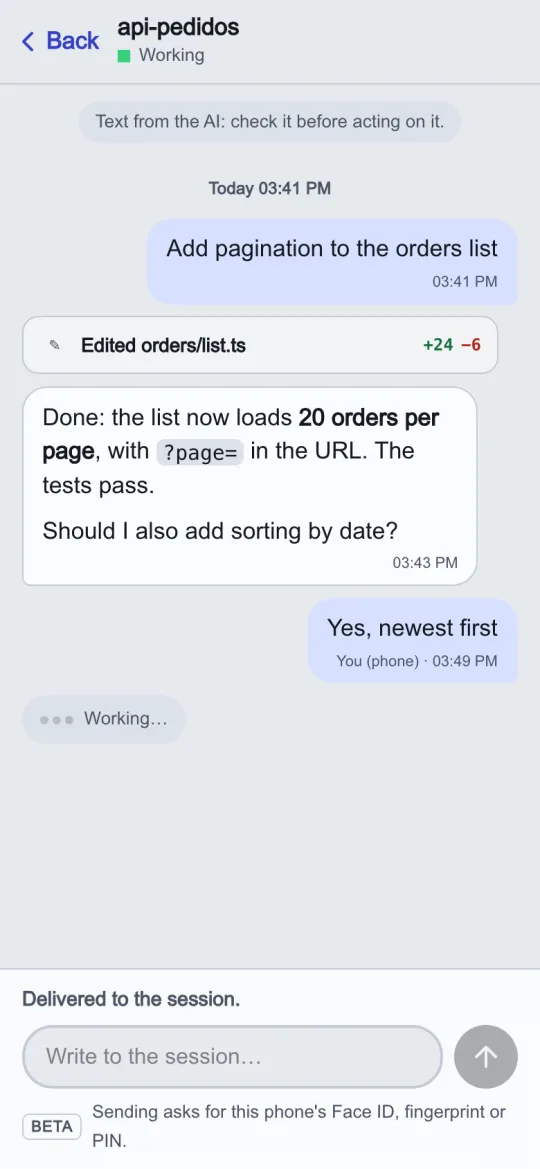
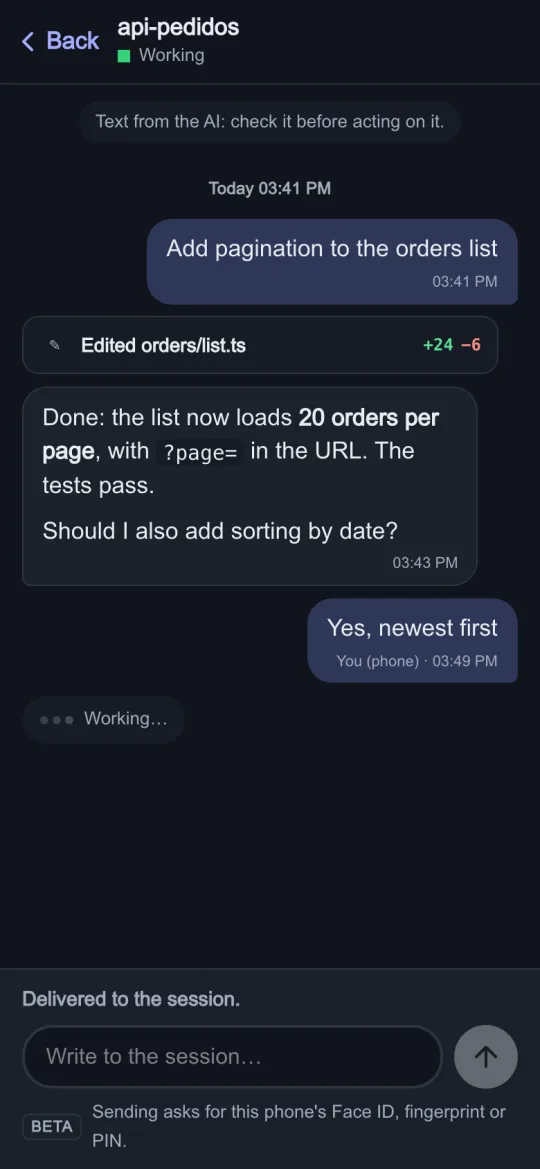
Open the session on your phone, read the latest messages, write your reply and tap Send; confirm with Face ID, Touch ID, fingerprint or PIN. The phone says it goes in when the session finishes its turn, then “Delivered”.
Good to know
- It works in every AI tool Miblo shows. Idle sessions wake up and answer in Claude Code, Codex and OpenCode; in Copilot CLI, Gemini CLI and Cursor, the reply goes in at the end of the turn.
- Idle Copilot CLI, Gemini CLI and Cursor sessions running inside tmux or GNU screen get replies right away too: Miblo types the reply into the session's terminal after checking it's the right one.
- For safety, replies only go into sessions that still ask before acting. For sessions in an automatic mode, and for OpenCode, Copilot CLI, Gemini CLI and Cursor (which don't report their mode), turn replies on for those cases at the computer (miblo plus replies permissive on).
- Every reply delivered shows on your computer, in a notification naming the phone, and is kept in the audit log (miblo plus audit).
- Claude Code sessions started before Miblo 1.24 keep the old way, Claude Code's channels. Close and reopen them to use the new way.
Works with