Ordo
Published bydodopokcamiloVersion 0.1.01 installNo ratings yetRequires Miblo 1.48.0 or newer
Last update:
Install
On the computer with your Miblo, run:
Installs the app's code, checked and signed by miblo.ai, and its screen. It runs sandboxed on your computer.
miblo apps install ordo-diaThe app and the command check miblo.ai's signature before changing anything on your Miblo.
Your rating
Sign in to rateThis Desk app talks to:
- api.caminhoanglicano.com.br
- api.oficio.app
Addresses the author declared, checked by the automatic code scan; Miblo blocks any other.
This app's alerts
- Morning Prayer
- Evening Prayer
You allow the Desk app's alerts and turn each kind on or off in Miblo Hub (Desk apps tab). Miblo's own alerts always come first.
What this Desk app asks you to set up
You set it up in Miblo Hub (Desk apps tab) or with miblo apps config ordo-dia. The values stay on your computer.
Alternate with the day's readings
On/off · Default: on
Morning Prayer reminder at
Time
Evening Prayer reminder at
Time
About
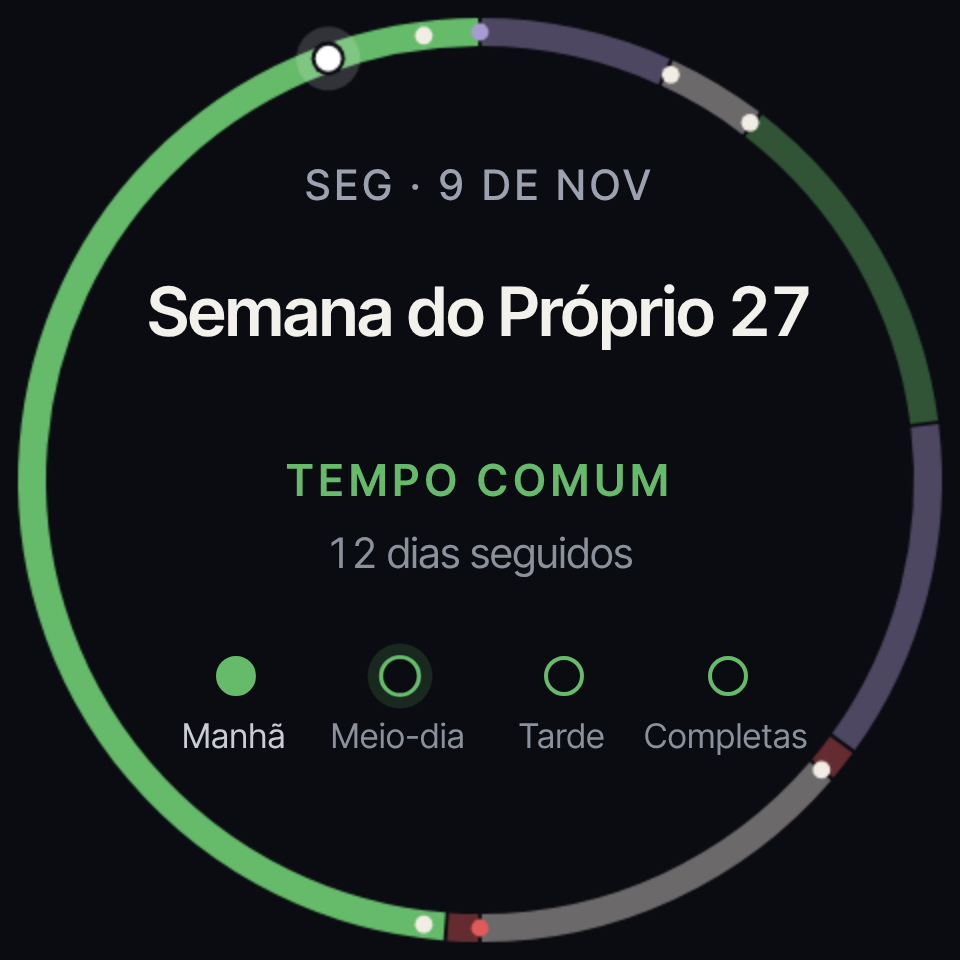
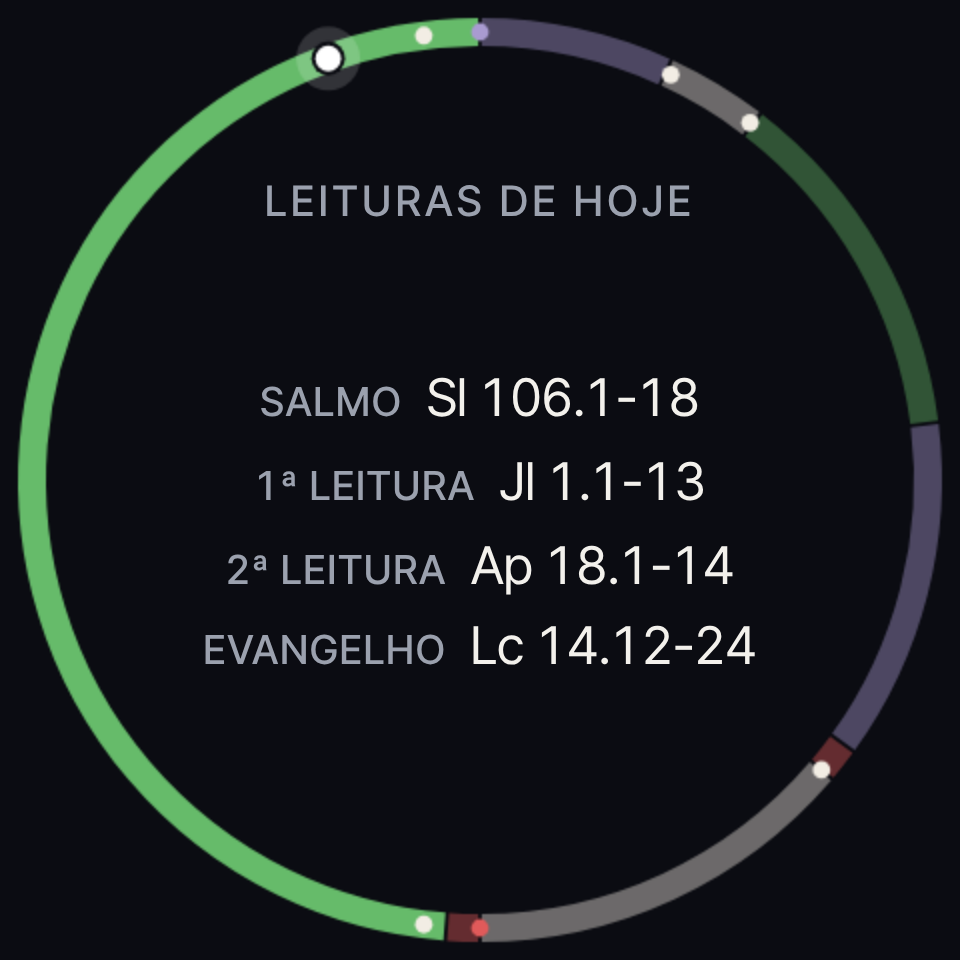
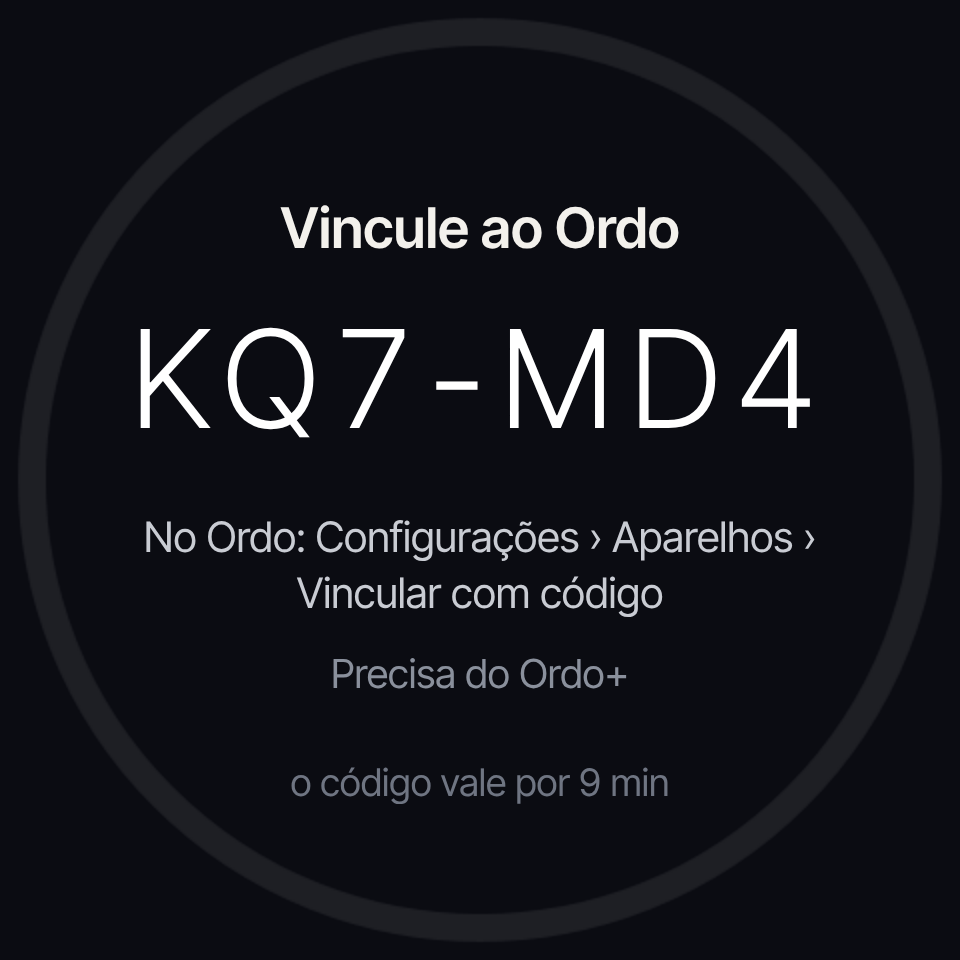
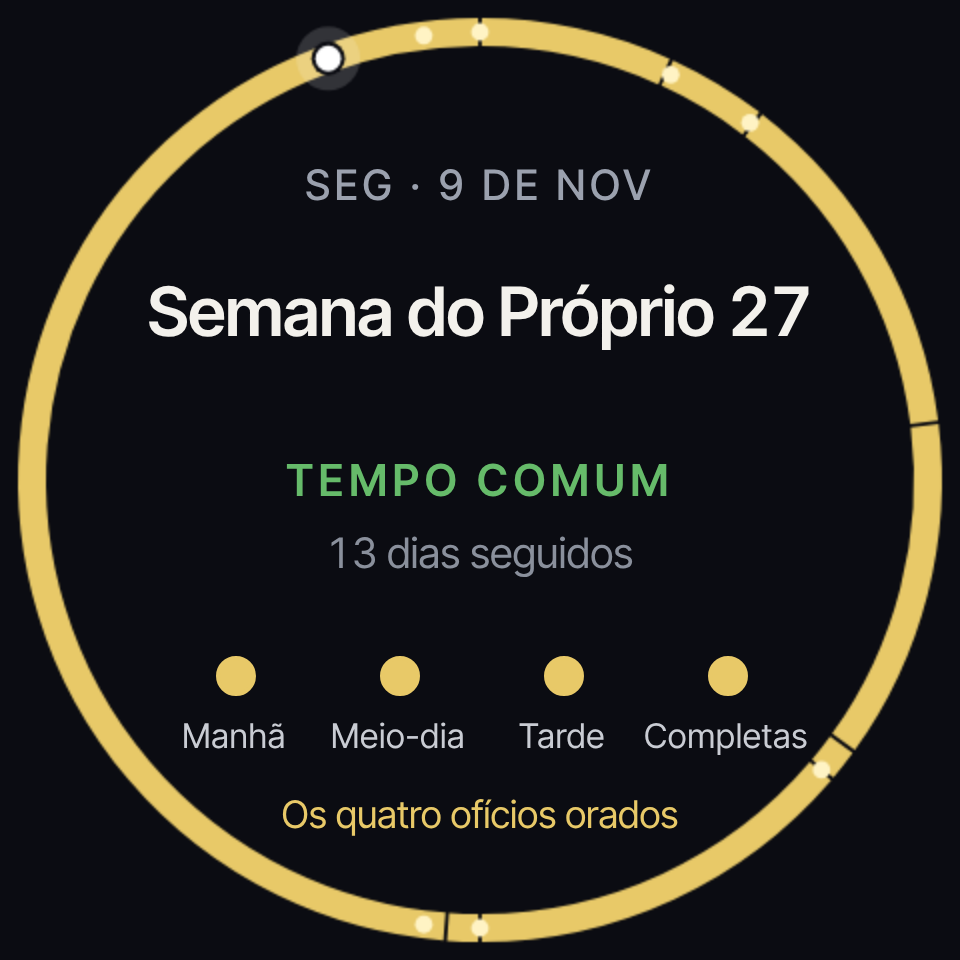
The liturgical day of your Ordo account on the Miblo Desk screen: the year ring with each season's colour, today's feast or saint, the lectionary readings and the four daily offices (Morning, Midday, Evening and Compline) ticked as you pray them in the app. Links to the account with a six-letter code, read-only, and needs Ordo+. Optional Morning and Evening Prayer reminders.
The author's link
The page or source code the author pointed to. What you install above is the code checked and signed by miblo.ai.
Open the author's link ↗Screenshots
What's new
Version 0.1.0 ·
No notes for this version.