Demo
Published by MibloMade by MibloVersion 2.0.41 installNo ratings yetRequires Miblo 1.46.0 or newer
Last update:
Install
On the computer with your Miblo, run:
Installs the app's code, checked and signed by miblo.ai, and its screen. It runs sandboxed on your computer.
miblo apps install demoThe app and the command check miblo.ai's signature before changing anything on your Miblo.
Your rating
Sign in to rateDoes not use the internet
Addresses the author declared, checked by the automatic code scan; Miblo blocks any other.
About
Miblo Desk has a 240x240 screen driven by an ESP8266 with about 50 KB of free RAM and no frame buffer: a single picture of the screen takes 115 KB, more than its whole memory. Every pixel travels over an SPI bus, so redrawing the full screen costs 20 to 40 ms. Animating under those conditions looks impossible.
The Demo shows how a page Desk app gets around it: the computer does the drawing. Miblo Hub opens the page in a headless browser at 240x240 and sends the Miblo Desk only the parts of the screen that changed. The Miblo Desk just paints. That is why the screen can be a real web page, and the Demo goes through five pieces, one after the other.
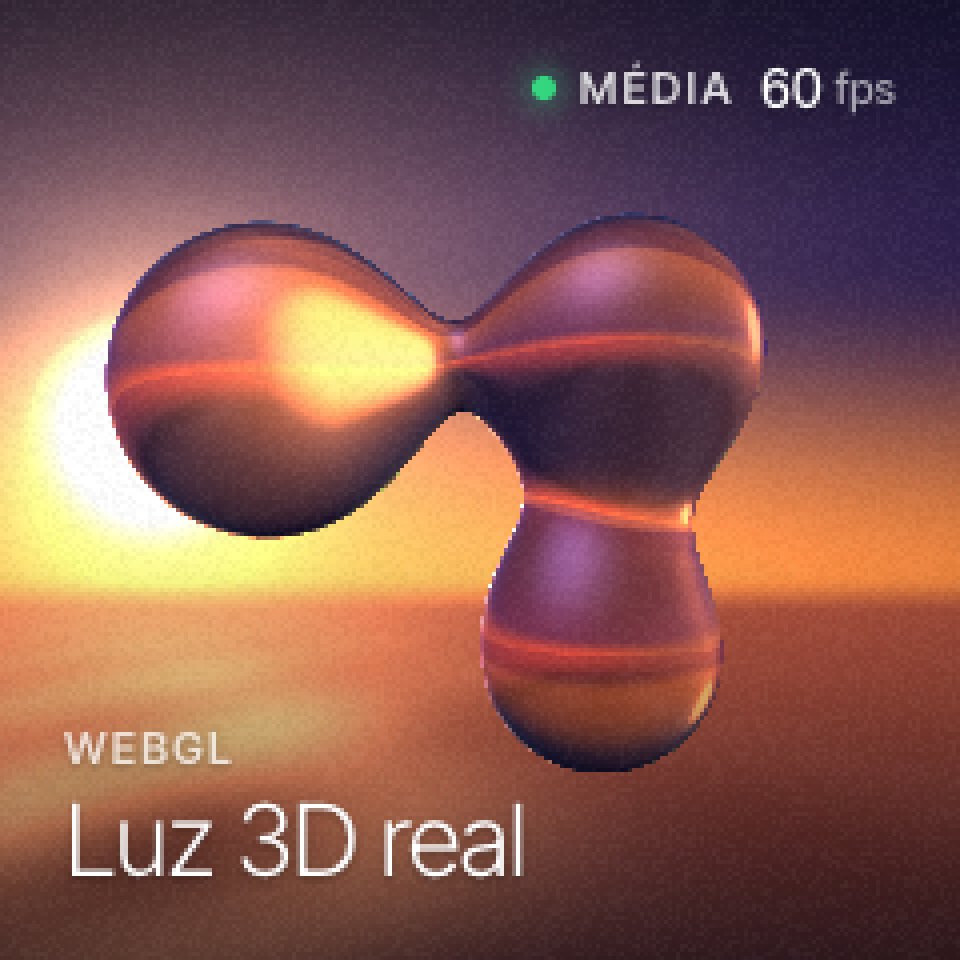
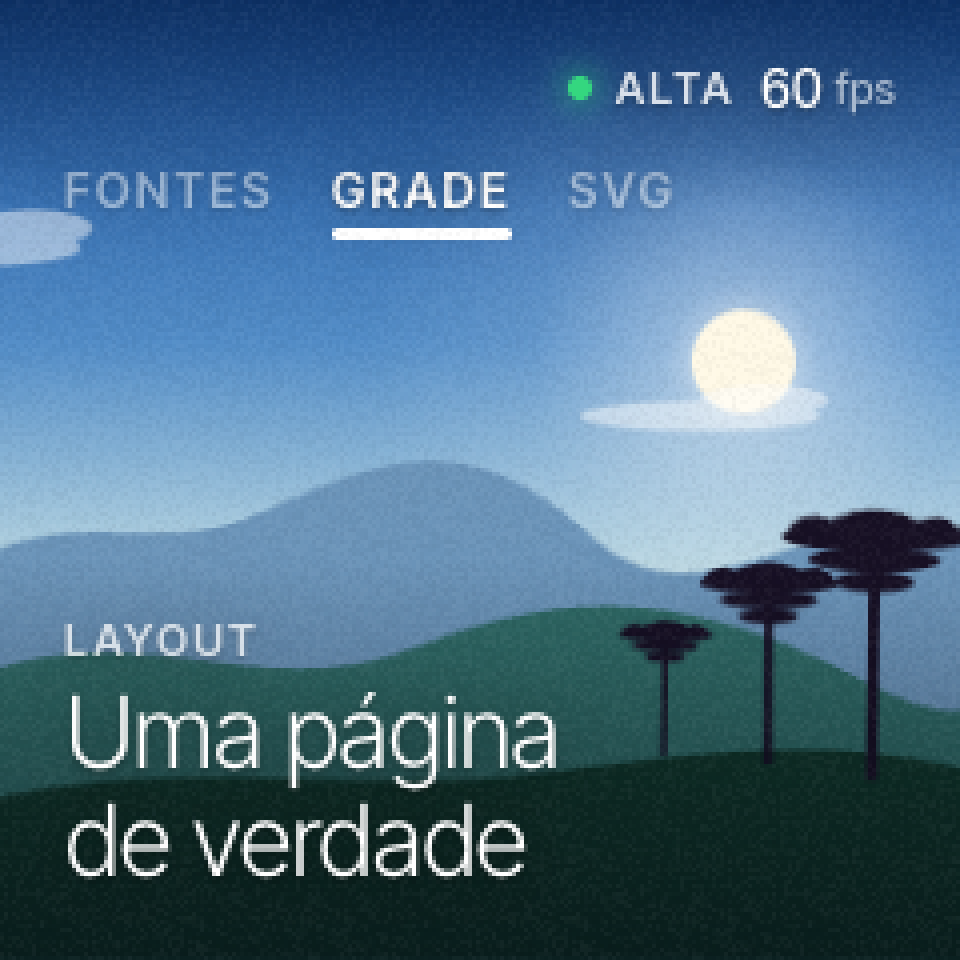
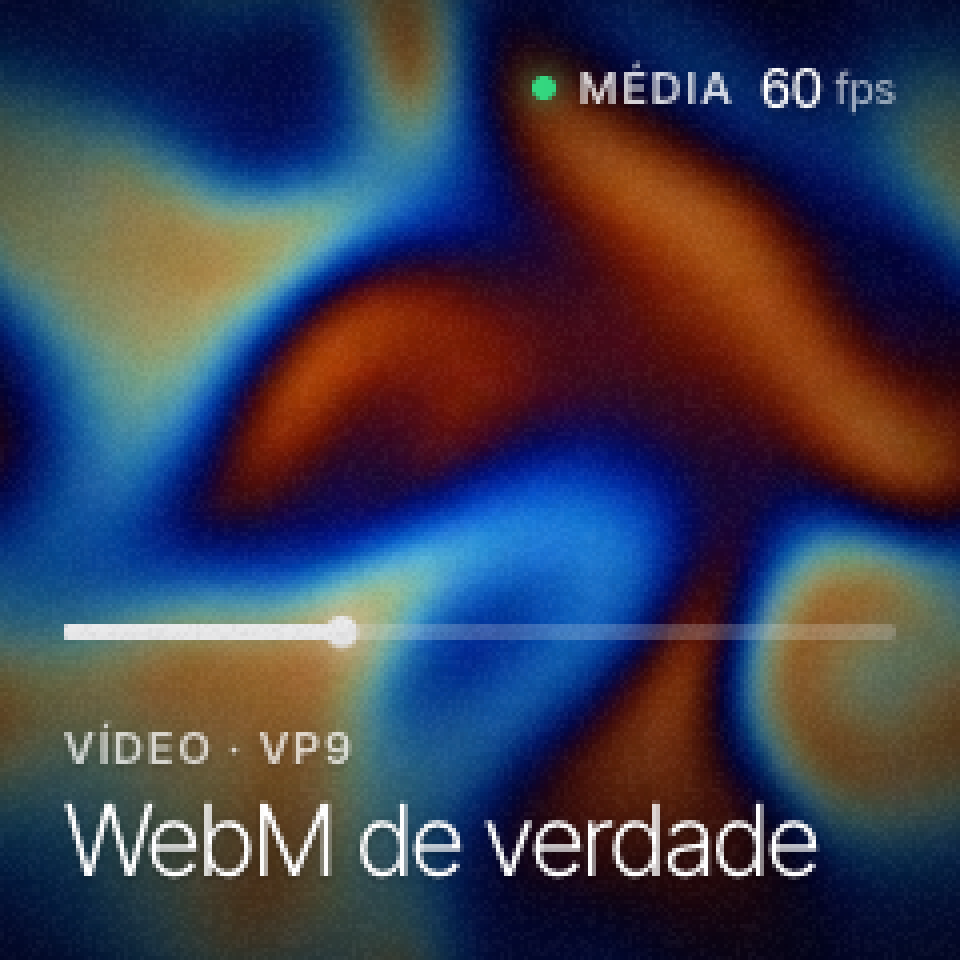
The first is 3D light in WebGL: drops of liquid glass reflecting a sunset over the sea, computed pixel by pixel by the computer's graphics chip. The second is a real WebM video playing inside the page. The third is plain layout: an SVG landscape whose day turns to dusk and night with CSS transitions, with fonts and a grid like any web page.
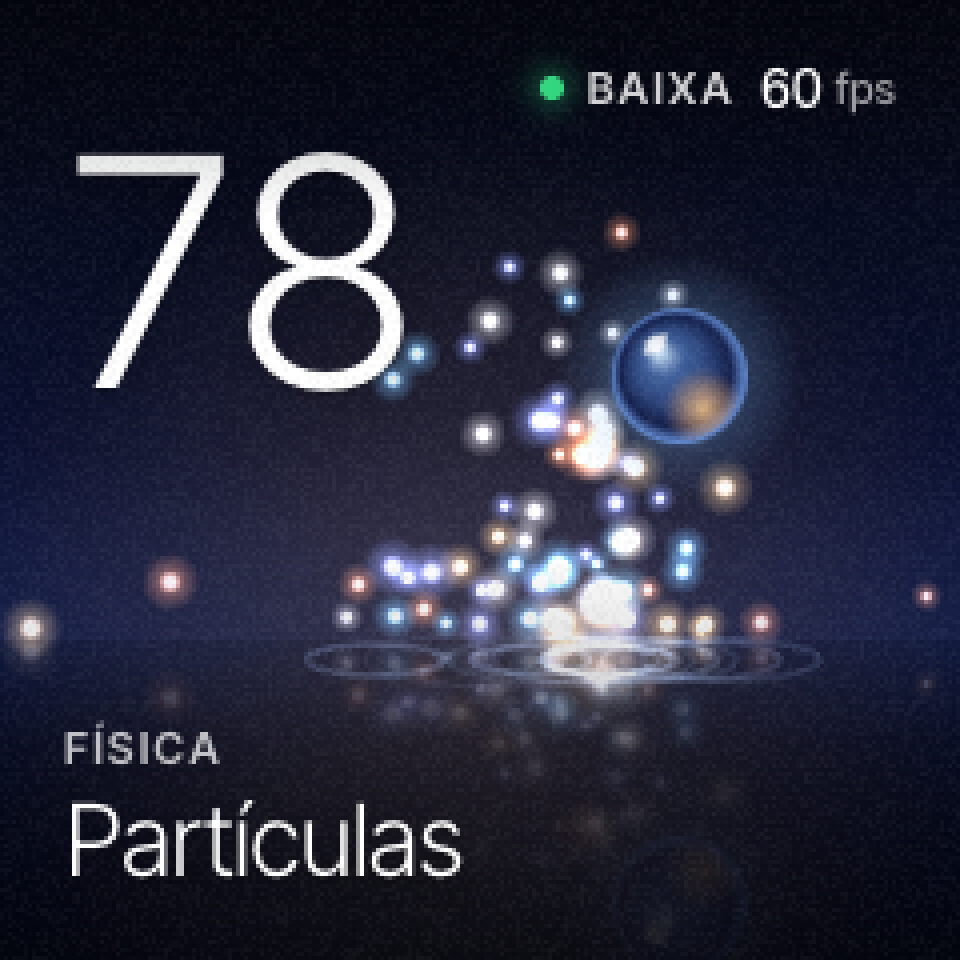
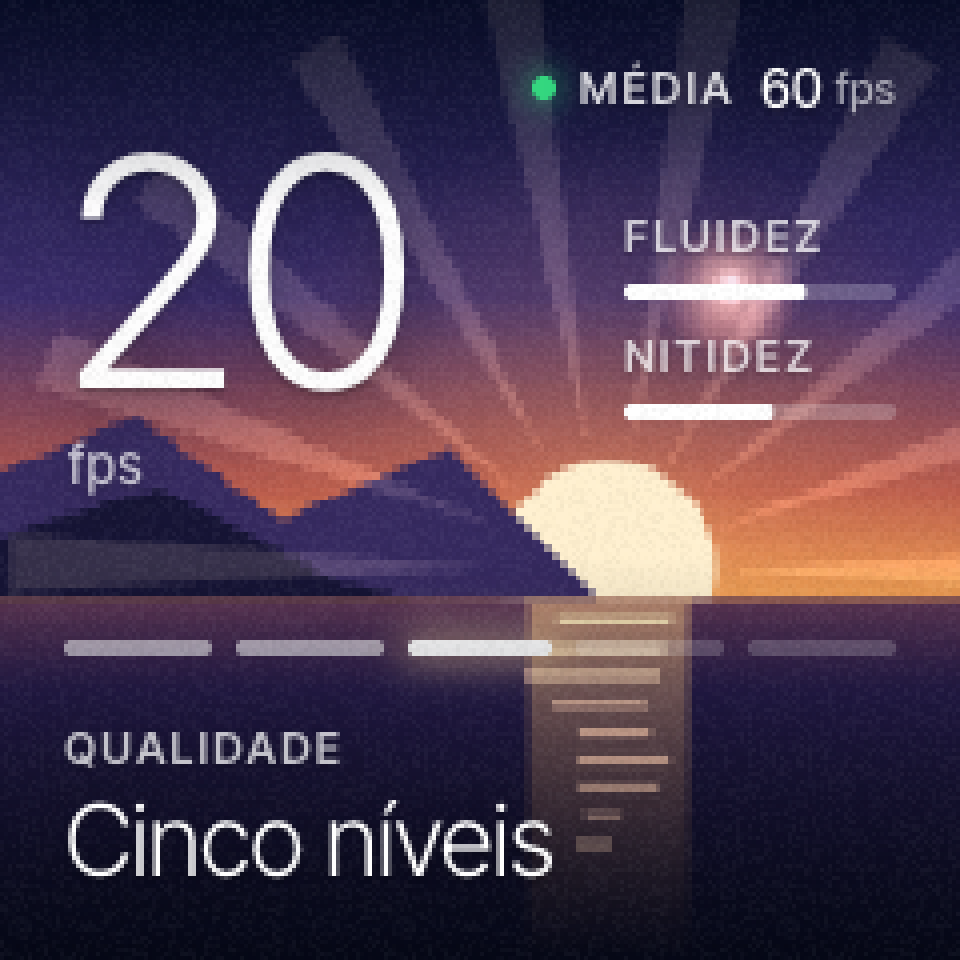
The fourth piece shows the five quality levels a page Desk app picks from, Very low to Ultra: the same frame drawn the way each level would show it, from the smoothest, at about 30 frames per second, to the sharpest, at about 10. The fifth is a fountain of particles with gravity, bouncing off a glass sphere and reflecting in the floor.
The quality level and the frame rate in the corner are real: the page asks Miblo Hub for the level and measures its own rate. All of it runs on the computer, with no network and no settings, while Wi-Fi, the pet and your session alerts keep running on the Miblo Desk.
Screenshots
What's new
Version 2.0.4 ·
Novas capturas da tela e novo ícone na Loja.
Version 2.0.3 ·
Volta à tela anterior.
Version 2.0.1 ·
1.46.0: a tela nova, feita como página, agora com a captura dela na loja.
Version 2.0.0 ·
1.46.0: a tela nova, feita como página.
Version 1.0.0 ·
Miblo 1.44: official app now in the Desk App Store