Demo
Publicada por MibloHecha por MibloVersión 2.0.30 instalacionesAún sin valoracionesRequiere Miblo 1.46.0 o más nuevo
Última actualización:
Instalar
En el computador con tu Miblo, ejecuta:
Instala el código de la app, revisado y firmado por miblo.ai, y su pantalla. Corre aislado en tu computador.
miblo apps install demoLa app y el comando verifican la firma de miblo.ai antes de cambiar cualquier cosa en tu Miblo.
No usa internet
Direcciones que el autor declaró, verificadas por el análisis automático del código; Miblo bloquea cualquier otra.
Acerca de
Miblo Desk has a 240x240 screen driven by an ESP8266 with about 50 KB of free RAM and no frame buffer: a single picture of the screen takes 115 KB, more than its whole memory. Every pixel travels over an SPI bus, so redrawing the full screen costs 20 to 40 ms. Animating under those conditions looks impossible.
The Demo shows how a page Desk app gets around it: the computer does the drawing. Miblo Hub opens the page in a headless browser at 240x240 and sends the Miblo Desk only the parts of the screen that changed. The Miblo Desk just paints. That is why the screen can be a real web page, and the Demo goes through five pieces, one after the other.
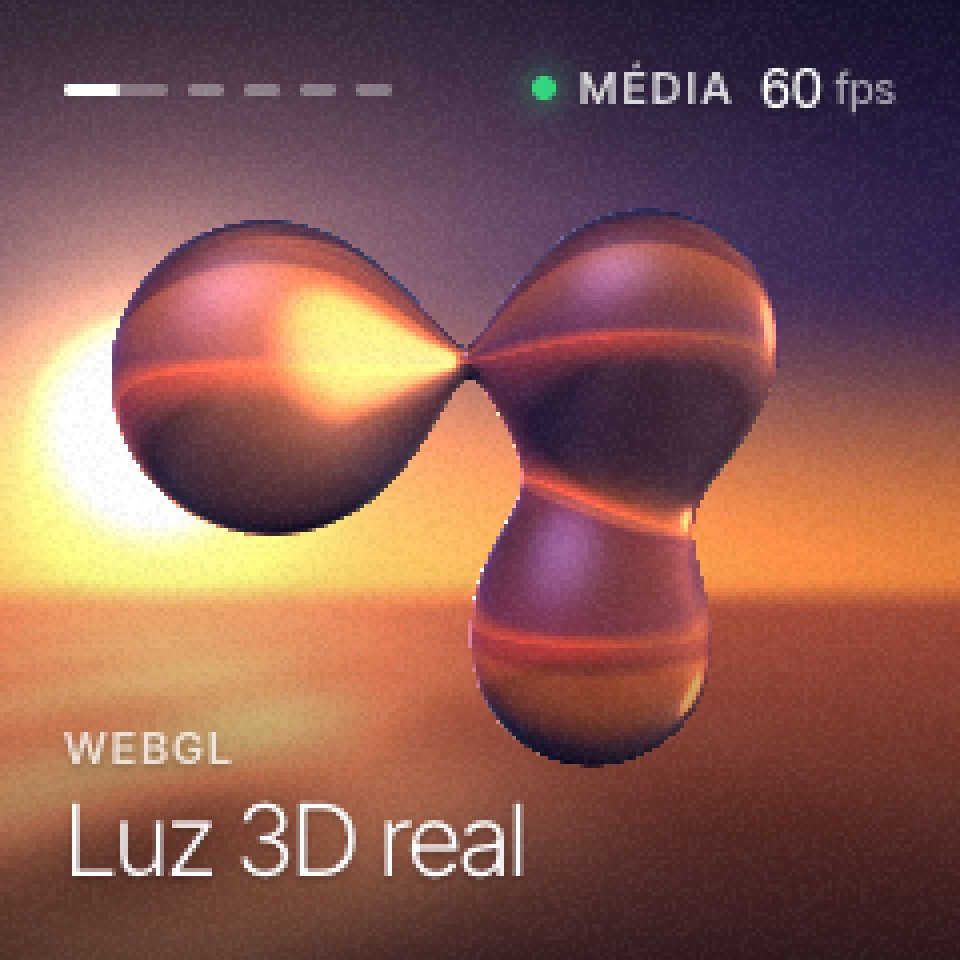
The first is 3D light in WebGL: drops of liquid glass reflecting a sunset over the sea, computed pixel by pixel by the computer's graphics chip. The second is a real WebM video playing inside the page. The third is plain layout: an SVG landscape whose day turns to dusk and night with CSS transitions, with fonts and a grid like any web page.
The fourth piece shows the five quality levels a page Desk app picks from, Very low to Ultra: the same frame drawn the way each level would show it, from the smoothest, at about 30 frames per second, to the sharpest, at about 10. The fifth is a fountain of particles with gravity, bouncing off a glass sphere and reflecting in the floor.
The quality level and the frame rate in the corner are real: the page asks Miblo Hub for the level and measures its own rate. All of it runs on the computer, with no network and no settings, while Wi-Fi, the pet and your session alerts keep running on the Miblo Desk.
Pantallas
Una vista previa de la tienda de apps del Desk, aproximada: en el Miblo Desk el programa de la app del Desk dibuja la pantalla real, con las fuentes propias del Miblo Desk.
Capturas de pantalla
Novedades
Versión 2.0.3 ·
Volta à tela anterior.
Versión 2.0.1 ·
1.46.0: a tela nova, feita como página, agora com a captura dela na loja.
Versión 2.0.0 ·
1.46.0: a tela nova, feita como página.
Versión 1.0.0 ·
Miblo 1.44: official app now in the Desk App Store
Tu valoración
Inicia sesión para valorar